
Free Trading Indicators
Download professional MT4 indicators at no cost
Free Trading Indicators Library
Download professional trading indicators for MetaTrader 4 platform for free, with video tutorials for each indicator
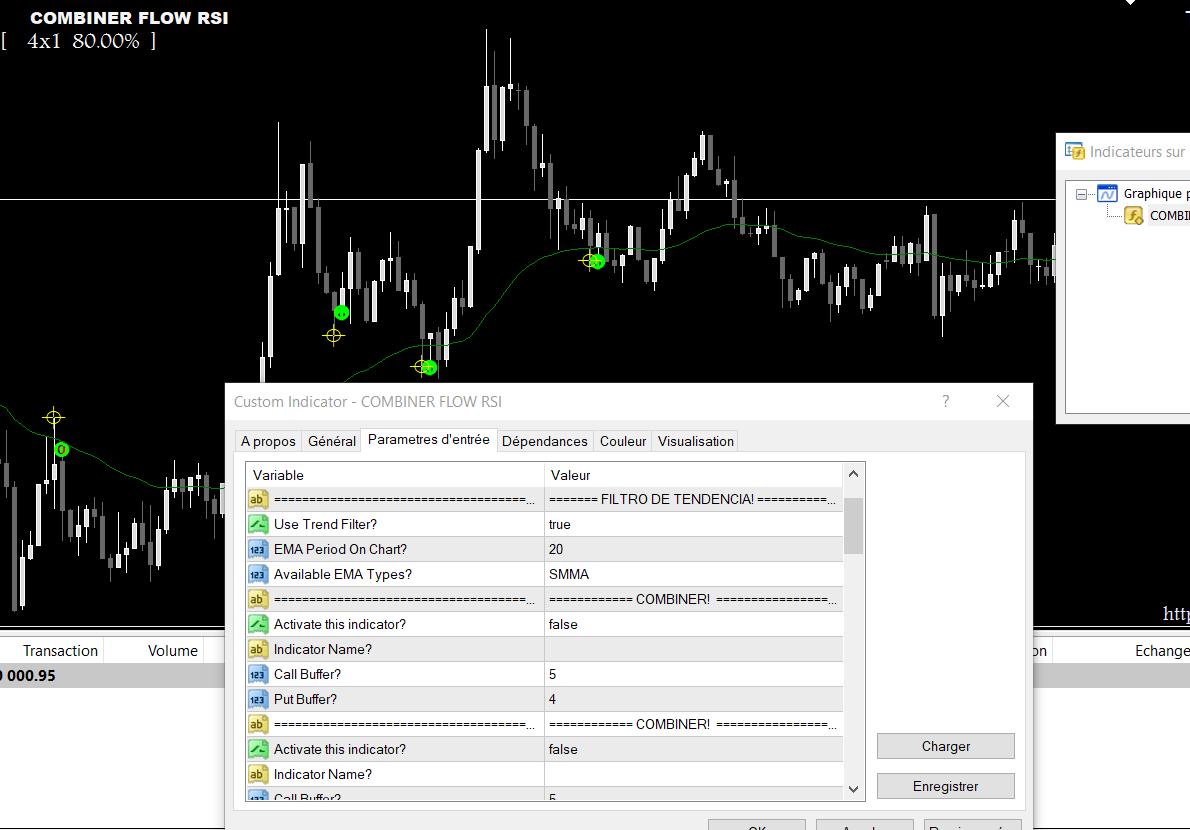
🚀 COMBINER FLOW RSI (M1-M5-M15) 🚀
Unlock smarter trades by combining signals from 2 powerful indicators for enhanced accuracy. Seamlessly connect with popular platforms like MT2, MX2, and PRICEPRO. Customize filters, manage risk (Fixed Lot/Martingale), and automate your trades effortlessly. Get instant alerts, real-time stats, 👇 Download it now and start trading smart!
15850
Video Tutorial: 🚀 COMBINER FLOW RSI (M1-M5-M15) 🚀
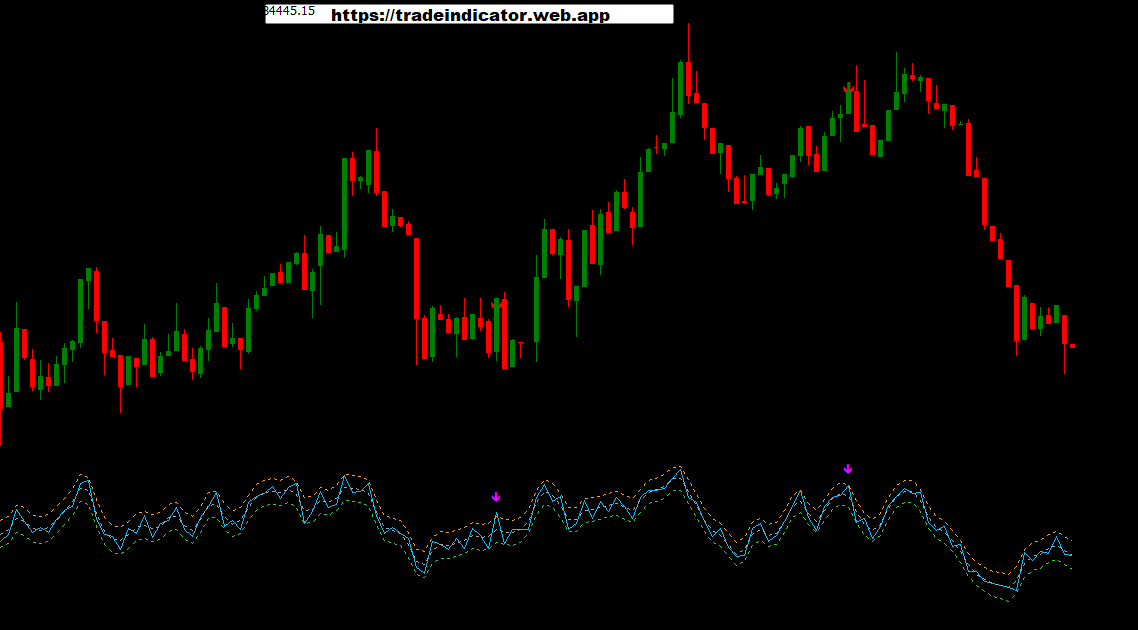
🚀 Elevate Your Trading with the Enhanced RSI Indicator! 🚀
dentify reversals with RSI & TMA, validated by Linear Regression & Volatility Channel filters.Get clear Buy/Sell arrow signals directly on your chart for precise entries.Stay informed with instant alerts (Popup, Sound, Email,Mobile) so you never miss out.Crucial: Always activate a News Filter for safer, smarter trading! 👇 Download it now and start trading smart!
12750
Video Tutorial: 🚀 Elevate Your Trading with the Enhanced RSI Indicator! 🚀
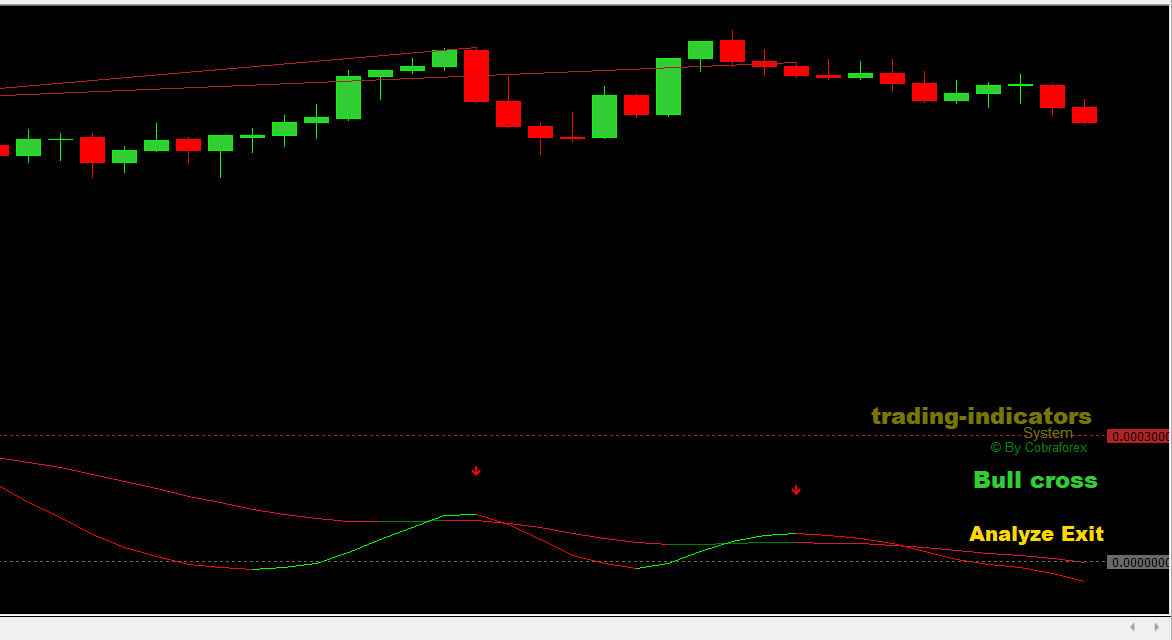
🚀 Level up your trading with the enhanced THVTrix Mod!🚀
📊 Get clear TRIX crossover signals for trend direction.🔍 Spot potential reversals early with built-in divergence detection.🔔 Benefit from custom alerts on crossovers & slope changes.🎯 A powerful momentum tool to confirm entries & exits.📈 Ideal for confirming entry/exit points in various conditions.⭐ Add precision to your strategy with this integrated tool
10100
Video Tutorial: 🚀 Level up your trading with the enhanced THVTrix Mod!🚀
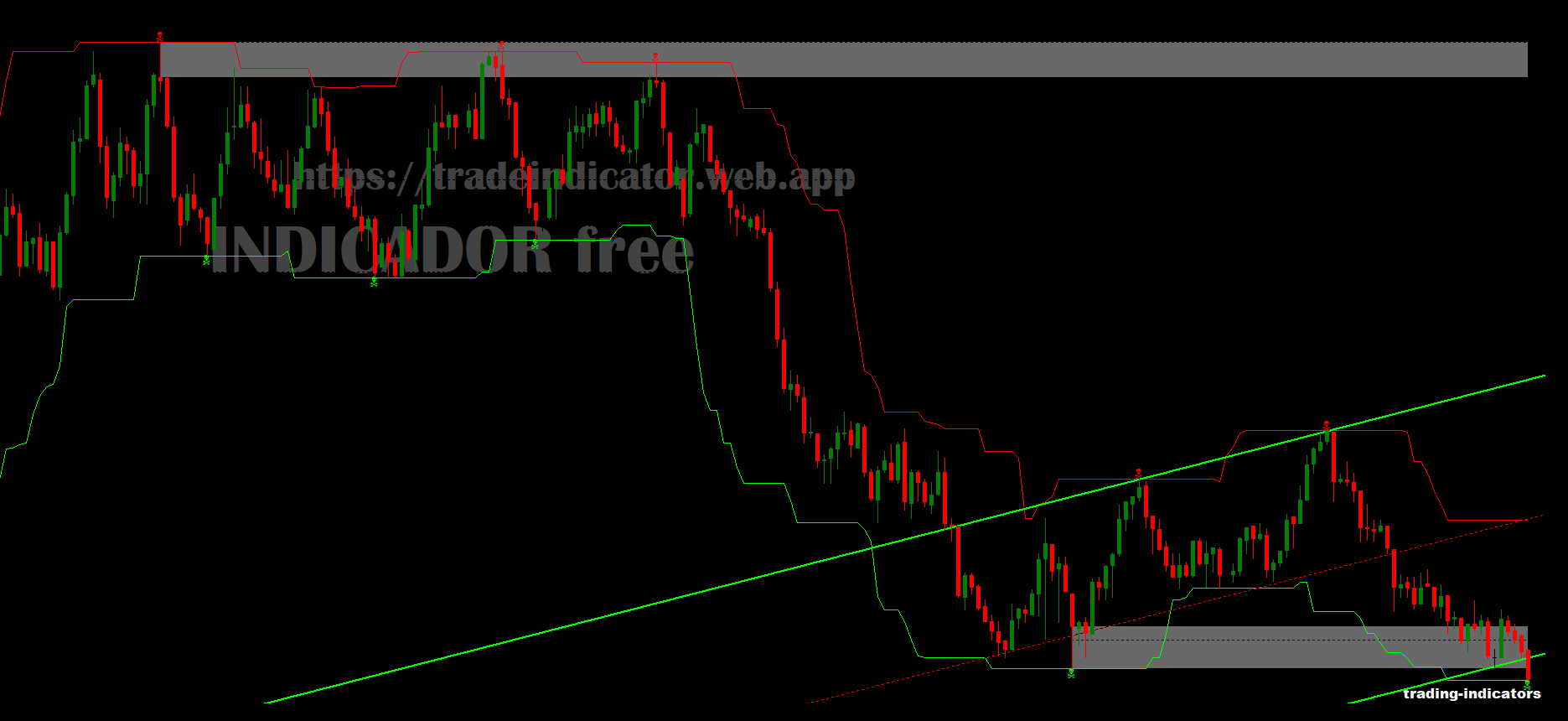
🚀 🎉 Professional : Strategy for Binary & Digital Options 🎉
🎉 Professional "INDICADOR free" Strategy for Binary & Digital Options 🎉 💡 This powerful Price Action indicator set is tailored for M1, M5, M15 Binary/Digital trading. 📊 It combines SSC signals (UP/DN alerts near highs/lows), a Dynamic Channel for trend/levels, and static Support/Resistance Zones. 📈 The strategy suggests entering trades at key price levels (zones or channel boundaries). 🛡️ Confirmation is provided by the SSC indicator's alerts or visual signals. ⚠️ ALWAYS activate a news filter to steer clear of volatile market conditions. 💰 Strictly adhere to your capital management plan at all times. 🚀 Master the strategy by practicing extensively on a demo account first!
8520
Video Tutorial: 🚀 🎉 Professional : Strategy for Binary & Digital Options 🎉
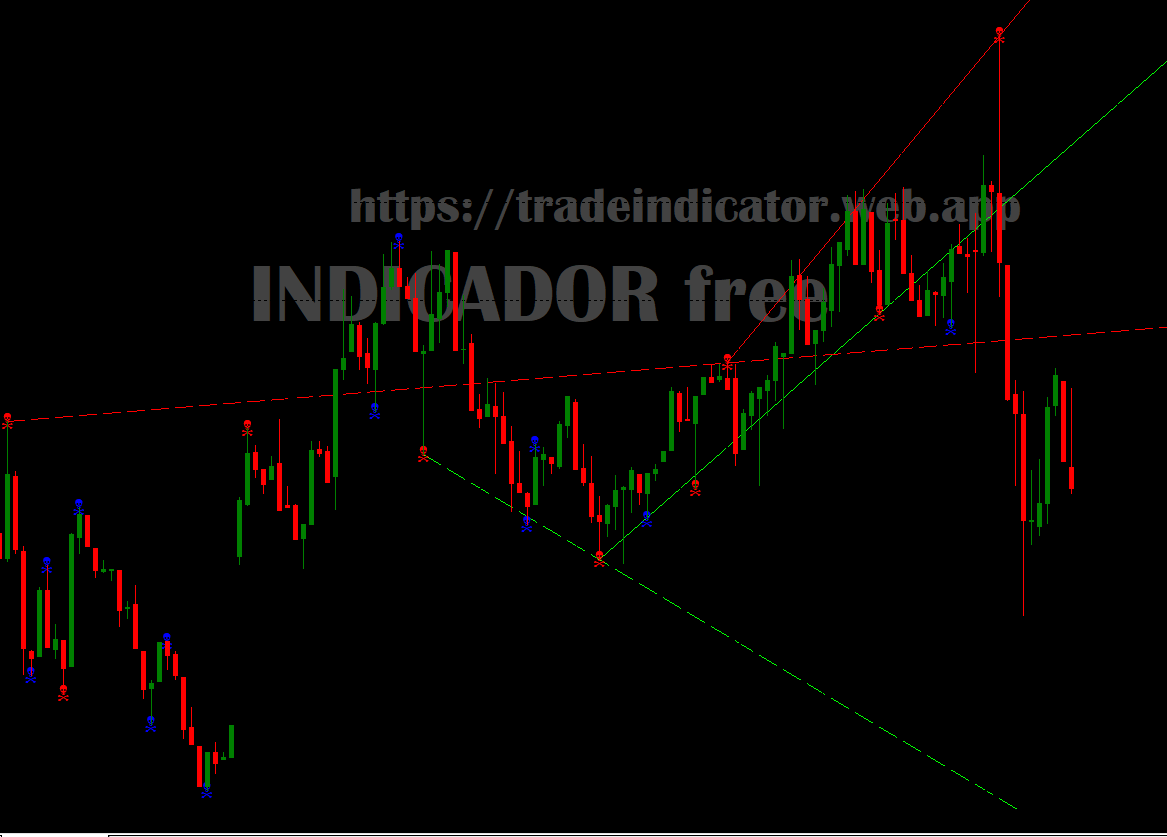
🚀 tradungTLT LTB: Easily spot trend reversals! 🚀
➡️ Green arrow: Buy! ➡️ Red arrow: Sell! Customize It:Pips (15): Sensitivity—tweak to catch more signals or reduce noise.ShiftBars (150): History—set how far back to look.Percent (110%): Volume—higher means strongersignals.Linhas_LTA_LTB: Show past trends—toggle on/off.Maximize Profits: Tune it to your style! 💰Get it Free! ⬇️
7520
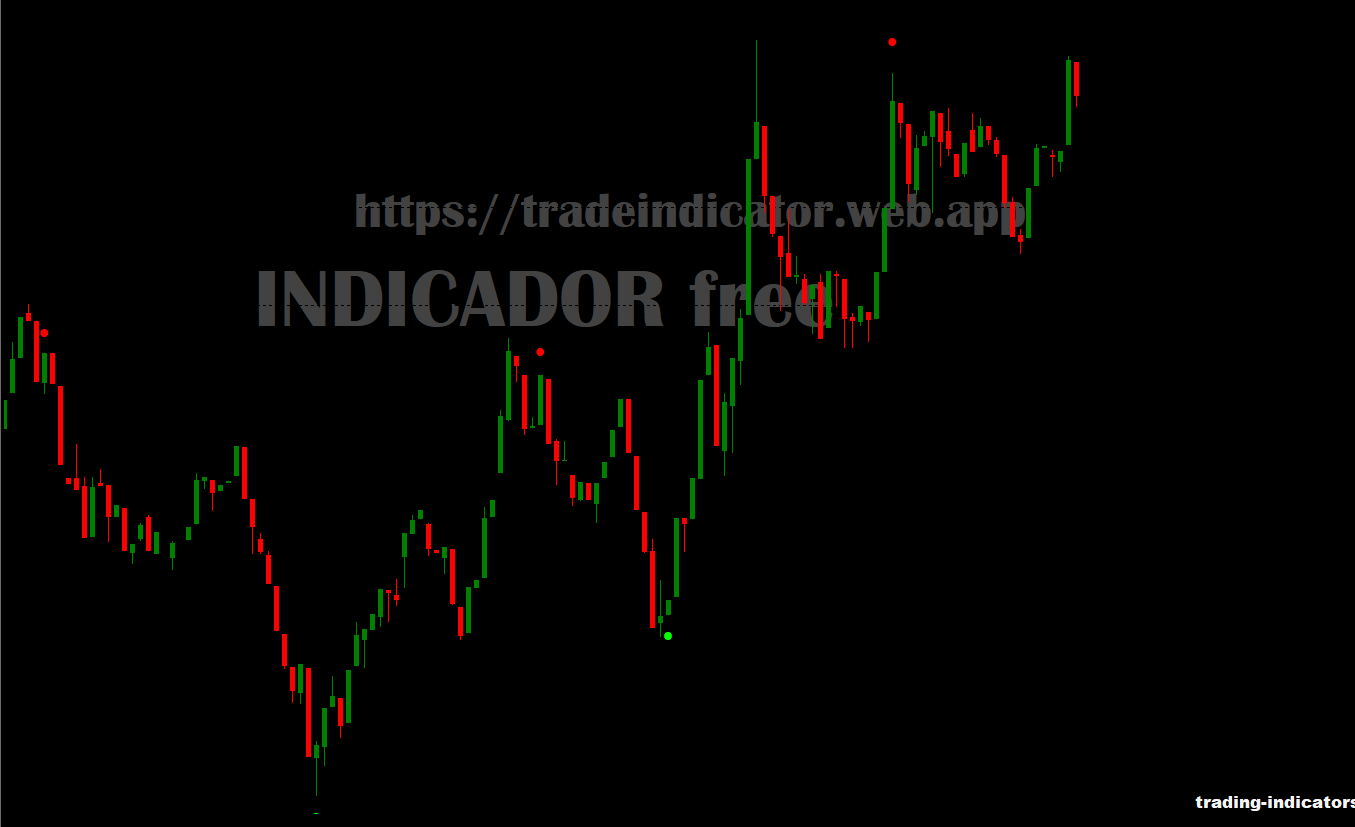
🚀 SHI_SilverTrendSig Indicator Settings ⚙️ 🚀
🔔 Essential Indicator Settings: 1. ⚙️ Alert Configuration: • EnableAlert: ON/OFF 2. 🔊 Sound Settings: • Sound File: alert.wav 3. ⏰ Available Timeframes: • M1 (1 minute) • M5 (5 minutes) • M15 (15 minutes) 4. ⚠️ Risk Zones: • Safe Zone: 25% - 75% • High Risk: Below 12% or Above 88% 💫 Available for Free - Download Now!
6000
Client Feedback
What traders say about our free indicators

"The custom indicators completely transformed my trading. I can now identify opportunities I would have missed before."

"The filtering capabilities have dramatically reduced false signals in my trading. Excellent service and support."

"After years of using off-the-shelf indicators, having something built specifically for my trading style has been revolutionary."

"These indicators significantly improved my trading performance. Thank you for the amazing tools!"
How to Install
Download the Indicator
Click the "Download" button to save the indicator file
Copy to MT4 Folder
Navigate to MQL4 > Indicators folder and paste the file
Use the Indicator
Go to Insert > Indicators > Custom in MT4 and select the indicator